
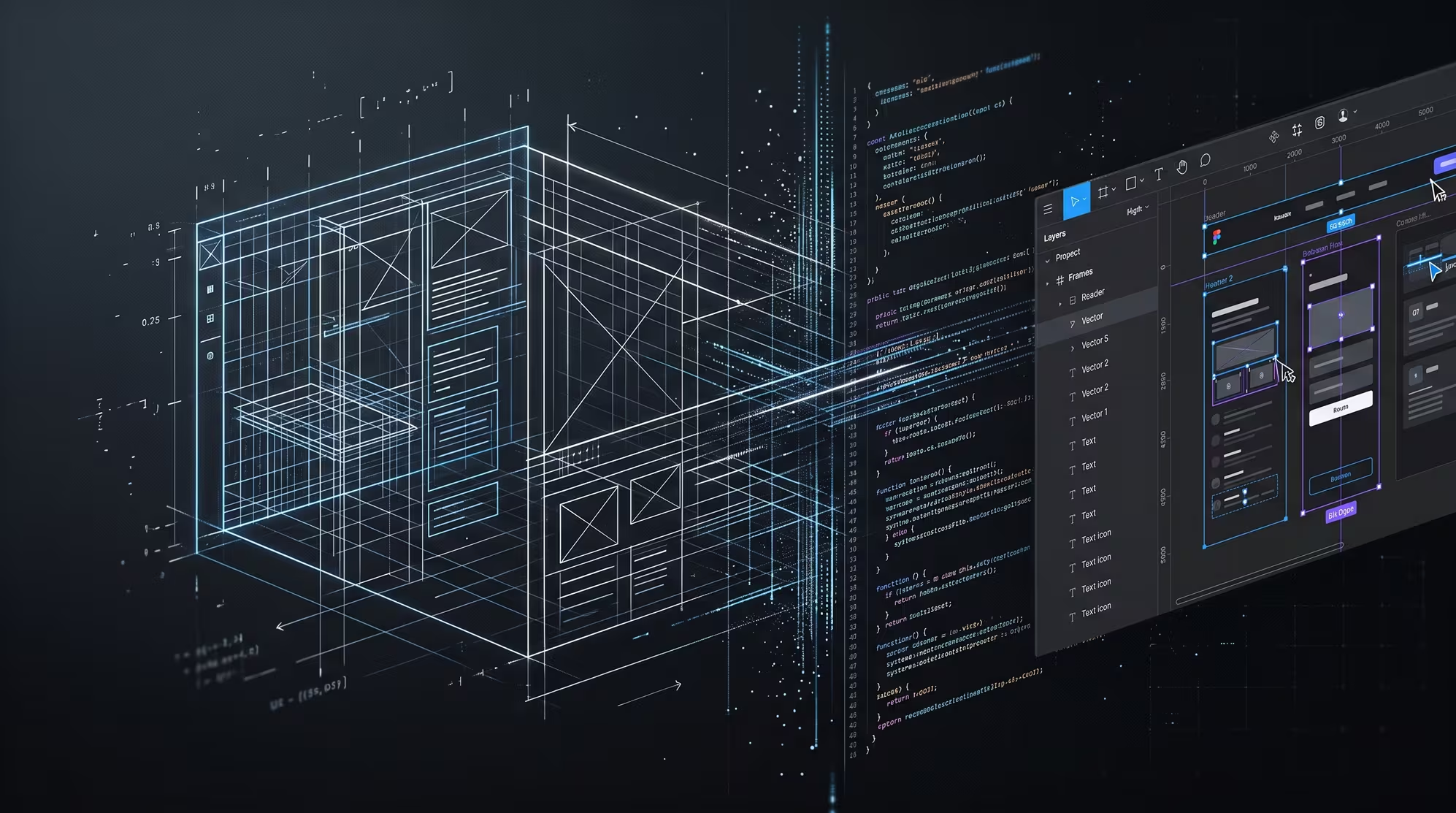
The Engineering Standard
Behind the Architecture.
A clear four-phase process, from discovery to launch. Here is the WordPress build process we use to turn high-fidelity design into lean, zero-bloat digital infrastructure, so you know what happens at every stage.
The Four-Phase WordPress Build Process

Discovery &
System Strategy
Operational Alignment:
We map your core business objectives and the conversion pathways that matter most, so the structure supports them from day one.
Information Architecture:
Before any visual work begins, we define a structured data model and sitemap, so your content hierarchy is logical and serves as the blueprint for design and development.
High-Fidelity
Design
Visual Execution:
If you bring a Figma design, we review it and plan its translation to code. If you are starting from scratch, we create a custom, high-fidelity Figma prototype with our design partner, based on the approved structure.
Design Validation:
You review and approve the user journey and visual design before development begins, so the build stays true to what you signed off on.
Custom Native
Development
Lean, Native Code:
We hand-code your approved design from the server up, in lean, native PHP, CSS, and JavaScript, without a commercial page builder and the technical debt that comes with one.
An Editing Experience Your Team Controls:
We build a custom admin around your content. Your team can update text and assets, preview changes live, and add, reuse, or reorder modular templates to launch campaigns without a developer, inside limits that protect the layout.
Testing &
Launch
Performance Testing:
On staging, we test every build against our targets: sub-1.5s mobile LCP, a 95+ mobile PageSpeed score and under 200 ms Total Blocking Time. We also test with your tracking and marketing scripts loaded, since those are part of the real page.
Launch & Hand-Off:
After your final review, we move the site to the live server using a planned process designed to minimize downtime. You receive the full theme source, documentation, and a walkthrough for your team.
Deployment FAQ
Answers for Technical and Strategic Discovery
Why do you use WordPress if you avoid off-the-shelf themes and commercial page builders?
WordPress is a flexible, scalable content management system, and your team likely already knows it.
The problem is not WordPress; it is the heavy off-the-shelf themes and commercial page builders often installed on top of it.
We use WordPress as a structured content backend and build a custom theme on top of it, with no off-the-shelf theme.
By hand-coding the front end, you get the familiar WordPress editing experience with a leaner, faster site.
Will my marketing team be able to update the site without knowing how to code?
Yes.
You receive a custom content system where your team can swap text, upload images, publish articles, and build pages from modular templates.
The system is designed so layouts stay protected: your team works inside set limits, which makes it harder to knock a layout out of alignment or add code that slows the site. You get day-to-day flexibility while the structure stays intact.
I have an existing site that is slow and breaking. Do I need to start over?
It depends on the site, but we generally rebuild on a clean native foundation instead of patching the existing code.
Your content and media are carried across, so you don’t rewrite everything. If you want your SEO setup (URLs, redirects, and metadata) carried over too, we migrate it as part of the rebuild. Your current design can be kept or refreshed. See Technical Capabilities for how rebuilds work.
How do you handle the visual design process?
If you already have a UI/UX layout from an agency, or a Figma file, we build it in native code to match the approved design at every screen size.
If you are starting from scratch, we create a visual system that fits your brand through our design partner. Either way, we protect page speed throughout.
Why is a custom build an investment and not a standard website purchase?
A custom build is a larger upfront investment than a template, because you are paying for a purpose-built site, not a reused one.
Pricing depends on the complexity of the data structure, the scale of any migration, and the custom API connections needed for your CRM and marketing software.
What is the typical WordPress website timeline?
Most builds take about 3 to 6 weeks, depending on the complexity of the data model and the size of any migration.
Each build is hand-coded, so we don’t offer rushed template-based builds. Every project moves through strategy, design approval, development, and testing before launch.
What happens after launch? Do you maintain the site?
Yes, if you want us to.
Your marketing team can manage front-end content on its own.
Our optional support plan includes bug fixes, updates and monitoring, plus up to 4 hours of change requests each month.
Bug fixes cover plugin conflicts too, except for plugins that no longer support PHP 8.2; for those, we recommend a compatible alternative.
Work beyond those hours is billed separately. That helps keep your environment up to date and your performance on target over time.
How do you handle feedback, revisions, and QA?
We use a phased approval process.
The design is approved before development starts, so development builds against a settled plan.
Once the site is on staging, we run two structured rounds of QA with you, focused on functional checks and content accuracy before launch.
Know Every Phase Before You Start.
You have reviewed the methodology and the technical standards. If your organization is ready to reduce technical debt and build on a lean, native foundation, start with technical discovery.